
Android developer verification is becoming an important part of how Android identifies and validates developers distributing apps across the ecosystem. For developers who publish exclusively through Google Play, the process may feel relatively straightforward. But what happens if you distribute your Android apps through other channels, such as third-party app stores, direct downloads, or regional marketplaces?
Google’s developer verification changes are particularly relevant for developers who reach users outside Google Play. Understanding what is changing, what information may be required, and how alternative distribution channels fit into the process can help you avoid unnecessary disruption.
What Is Android Developer Verification?
Android developer verification is part of Google’s efforts to establish a more trusted Android app ecosystem by connecting apps with verified developers.
The broader initiative is designed to make it easier to identify who is responsible for an app, while helping users distinguish between apps distributed by legitimate developers and potentially harmful or deceptive software.
For developers, this means that app distribution may increasingly involve verifying developer identity and registering applications, even when those apps are not distributed through Google Play.
This is an important distinction: Android is an open platform, and developers can distribute apps through channels other than Google Play. However, alternative distribution does not necessarily mean developers can ignore new verification requirements.
Why Does This Matter for Developers Outside Google Play?
Google Play is only one part of the Android app ecosystem.
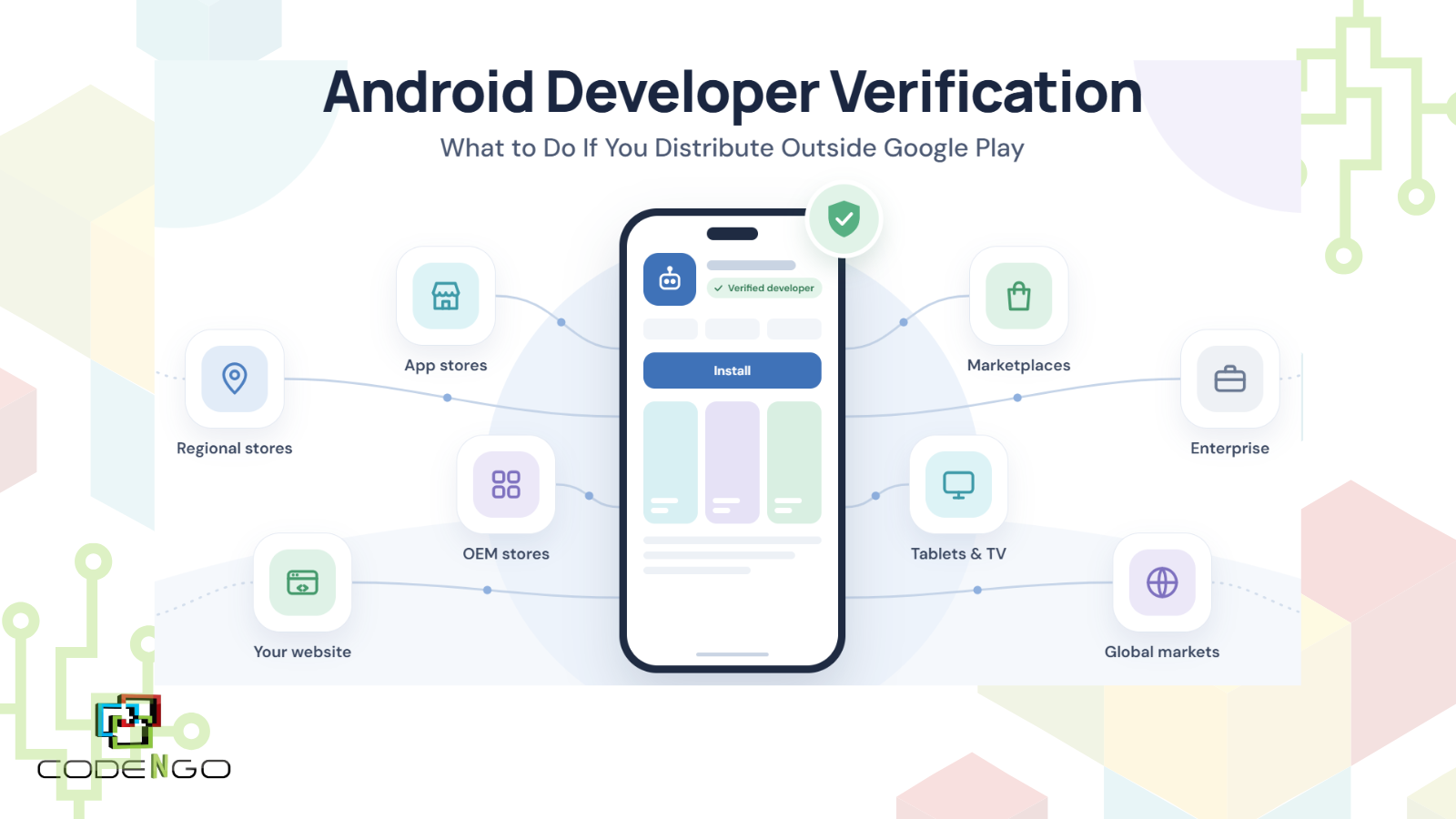
Many developers distribute apps through:
- Alternative app stores
- Regional app marketplaces
- Enterprise distribution
- Direct APK downloads
- Their own websites
- Device manufacturers’ app stores
- Specialized distribution platforms
This is especially common in markets where Google Play is unavailable, restricted, or not the primary app marketplace.
For these developers, Android developer verification introduces an additional step to consider when planning how apps will be distributed to users.
If you rely on alternative distribution, it is worth determining which verification and registration requirements apply to your apps and distribution method before they become a last-minute issue.
Does Android Developer Verification Mean You Have to Publish on Google Play?
No.
Developer verification and Google Play publishing are not the same thing.
A developer may have legitimate reasons for distributing an app outside Google Play. For example, a company may target a market where another app store has a stronger presence, or an app may need to be distributed through an enterprise or specialized channel.
The important point is that verification does not automatically mean Google Play must become your only distribution channel.
Instead, developers should look at verification as part of the broader Android distribution process and make sure their developer and app information is properly registered where required.
What Should Developers Distributing Outside Google Play Do?
If your Android app is distributed outside Google Play, there are several practical steps you can take.
1. Identify Every Distribution Channel You Use
Start by making a list of everywhere your Android apps are currently available.
This could include:
- Google Play
- Huawei AppGallery
- Samsung Galaxy Store
- Amazon Appstore
- Regional Android marketplaces
- Your company website
- Enterprise distribution platforms
- Other third-party app stores
Knowing exactly where your apps are distributed will make it easier to determine which apps and developer accounts may be affected.
2. Review Your Developer Information
Make sure the information associated with your apps is accurate and up to date.
Depending on the verification process, developers may need to provide information that establishes who they are or which organization is responsible for an app.
For businesses, this is particularly important if the company has changed its legal name, ownership structure, address, or other identifying information since the app was originally published.
Keeping this information consistent across your developer accounts and distribution platforms can also make future administration easier.
3. Inventory Your APKs and Apps
If you distribute APKs directly or through multiple third-party stores, create an internal inventory of your applications.
Record details such as:
- App name
- Package name
- Developer or organization
- Current version
- Distribution channel
- Signing information
- Primary market
- Distribution URL
This may seem like administrative work, but it can help identify outdated apps or forgotten distribution channels that could otherwise be overlooked.
4. Check the Requirements for Each Marketplace
Not every app store operates in exactly the same way.
If you distribute through an alternative marketplace, check the platform’s current requirements for developer verification, app registration, signing, and compliance.
This is especially important for developers targeting international markets, where different marketplaces may have different processes.
For example, a developer distributing an app to users in China may have different considerations from one distributing exclusively to users in the United States or Europe.
5. Plan for Apps Distributed Directly
Direct APK distribution deserves special attention.
Some developers distribute applications directly from their own websites because they want more control over the user experience, updates, or distribution process.
If this applies to you, don’t assume that an app distributed directly is outside the scope of Android’s evolving security and developer-verification framework.
Review Google’s current requirements and make sure your distribution process can accommodate any applicable verification or registration steps.
What About Developers Targeting China and Other Markets Without Google Play?
For developers targeting markets where Google Play isn’t the primary app marketplace, alternative distribution can be essential.
China is one of the clearest examples.
Google Play is not generally available to consumers in mainland China, so Android developers targeting Chinese users often need to consider regional app stores and distribution channels instead.
That creates a different publishing environment from the standard Google Play workflow.
Developers may need to consider:
- Which regional app stores support their application
- Local publishing requirements
- App registration or compliance requirements
- Developer verification
- Distribution and update mechanisms
- Local business or regulatory considerations
For companies with significant Android user bases, planning distribution for these markets separately from Google Play can help avoid treating the global Android ecosystem as if it were a single marketplace.
Don’t Wait Until You Need to Publish an Update
One of the easiest mistakes is treating developer verification as something to deal with only when a new app is ready for release.
If your applications are already being distributed, it is better to understand the requirements ahead of time.
Create an inventory of your apps, confirm who owns each developer account, review your distribution channels, and identify any information that may need to be updated.
That way, verification becomes part of your normal app-management process rather than an unexpected obstacle when you need to publish an important update.
Android Distribution Is Becoming More Structured
The Android ecosystem has always allowed developers more flexibility than a single-store model. Developers can reach users through Google Play, alternative marketplaces, direct distribution, device manufacturers, and other channels.
At the same time, Android’s security and developer-verification initiatives are introducing additional structure into that ecosystem.
For developers, the key takeaway is not simply to ask, “Do I publish on Google Play?”
Instead, ask:
“Where are my apps distributed, who is responsible for them, and what verification requirements apply to each distribution channel?”
That broader approach can help developers prepare for changes without unnecessarily limiting their distribution strategy.
Final Thoughts
Android developer verification is another development that Android app publishers should keep on their radar, particularly if they distribute apps outside Google Play.
If your apps are available through alternative app stores, direct APK downloads, or regional marketplaces, now is a good time to review your distribution setup. Identify your apps, verify your developer information, check the requirements of each marketplace, and keep track of Google’s latest guidance.
For developers with users across multiple markets, being prepared for verification doesn’t have to mean relying on Google Play alone. It means understanding the Android ecosystem and making sure your distribution strategy is ready for its evolving requirements.
Share this article on